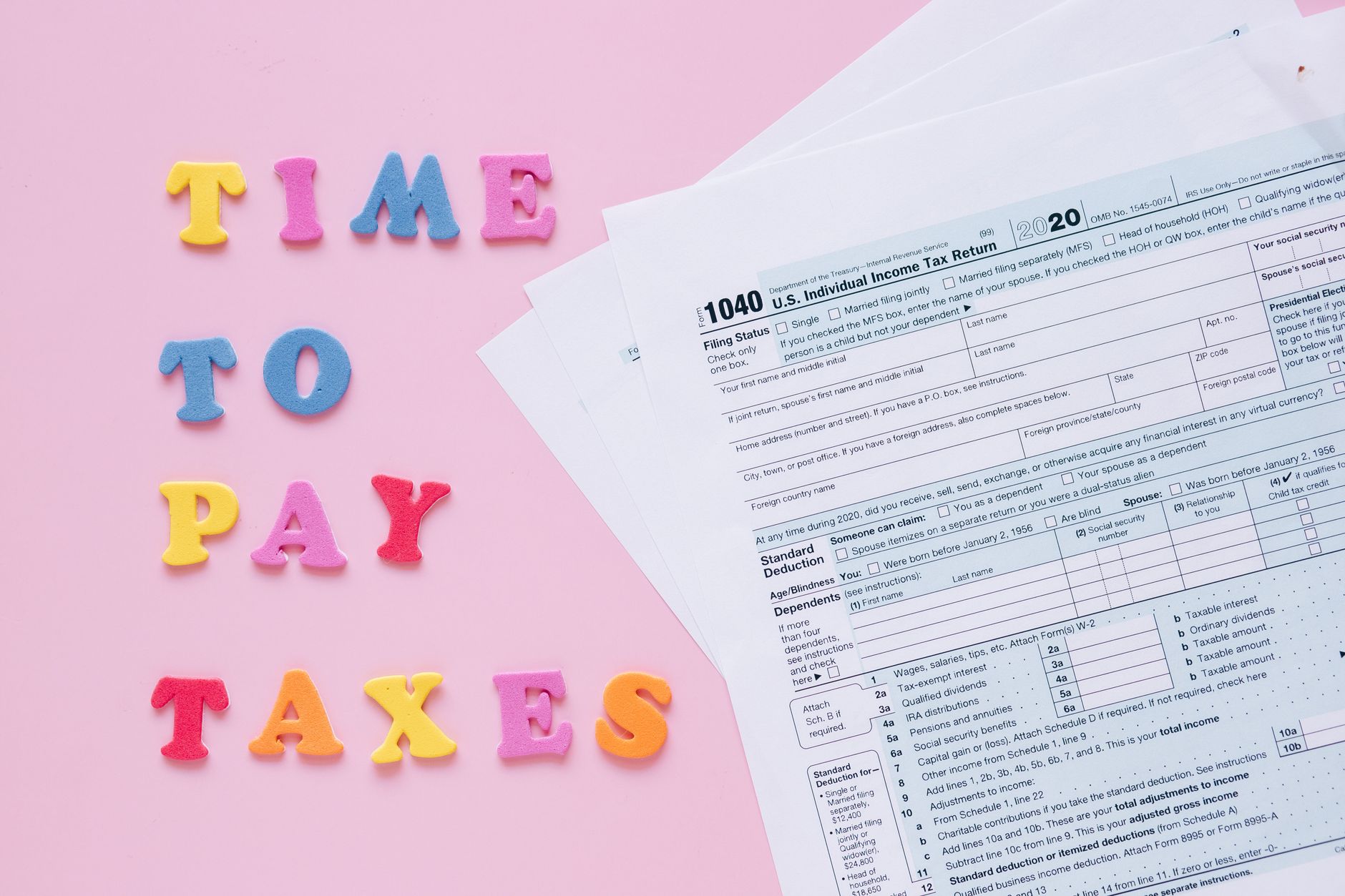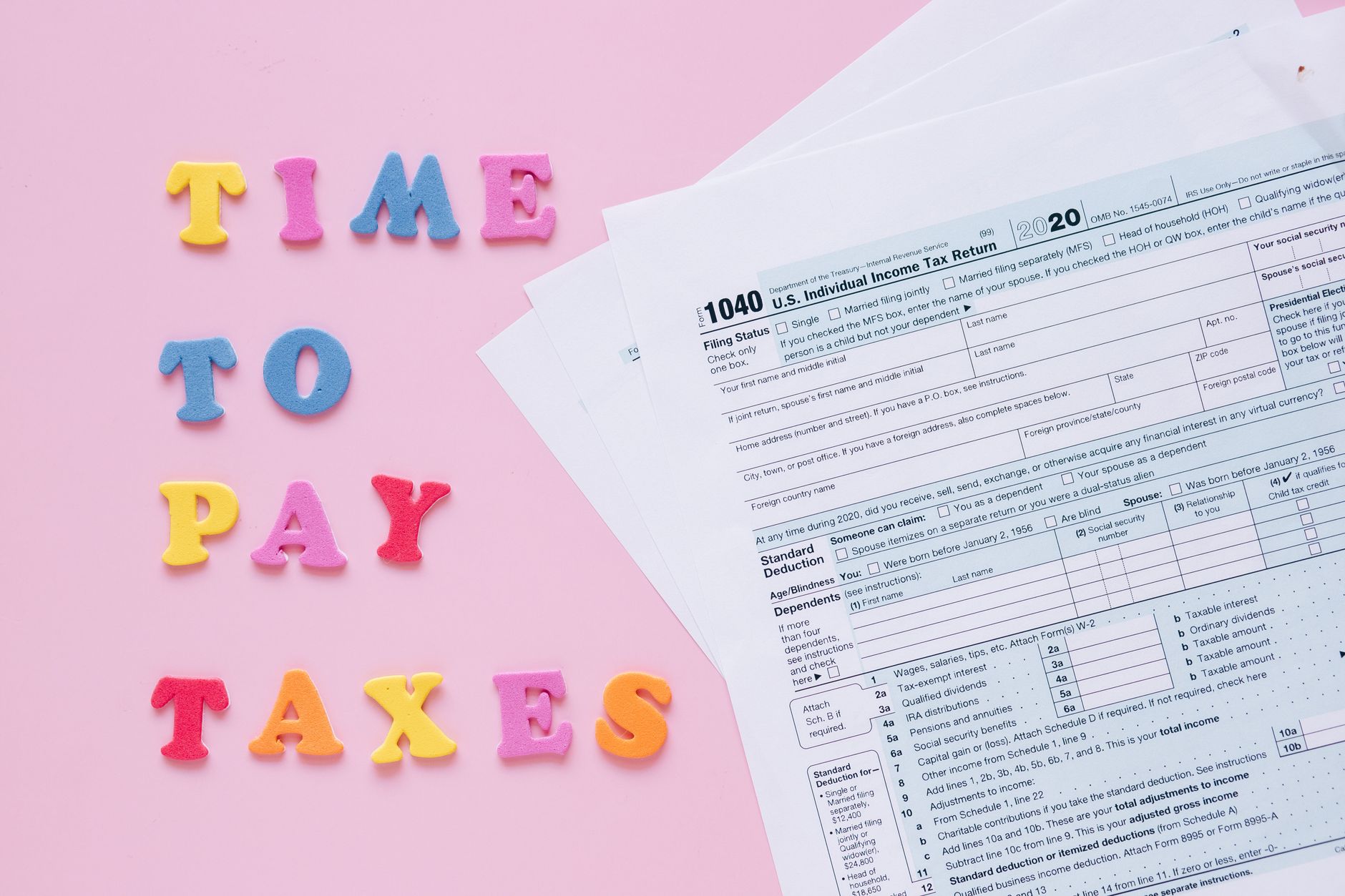
The income tax return filing season is upon us, and millions of Indian taxpayers are preparing to meet their compliance obligations. The Income Tax Department's e-filing portal has made the process significantly more accessible, allowing you to file returns from the comfort of your home. Understanding the step-by-step process can help you avoid last-minute stress and potential errors.
Why Filing Your ITR on Time Matters
Filing your income tax return before the deadline is crucial for several reasons. It helps you avoid penalties and interest charges that apply to late filings. Additionally, a filed ITR serves as proof of income for loan applications, visa processing, and various other financial transactions. Even if your income is below the taxable threshold, filing returns can help you claim refunds and maintain a clean financial record.
Prerequisites Before You Begin
Before starting the online filing process, ensure you have certain documents and information ready. You'll need your PAN card, Aadhaar card, Form 16 from your employer, bank account details, and investment proofs for deductions. Having these documents organized will make the filing process much smoother.
The 15-Step Process to File ITR Online
Step 1: Visit the Official Portal
Navigate to the Income Tax Department's e-filing website. Ensure you're on the authentic government portal to protect your sensitive financial information from phishing attempts.
Step 2: Register or Login
If you're a first-time user, register using your PAN as the user ID. Existing users can directly log in with their credentials. The portal now supports login through Aadhaar OTP as well.
Step 3: Navigate to e-File Section
Once logged in, go to the 'e-File' menu and select 'Income Tax Return' from the dropdown options. This will take you to the filing interface.
Step 4: Select Assessment Year
Choose the correct assessment year for which you're filing the return. For income earned in FY 2023-24, you'll select AY 2024-25.
Step 5: Choose ITR Form
The portal will often suggest the appropriate ITR form based on your income sources. Common forms include ITR-1 for salaried individuals, ITR-2 for those with capital gains, and ITR-3 for business income.
Step 6: Select Filing Mode
You can choose between online and offline modes. The online mode allows you to fill the form directly on the portal, while offline mode requires downloading a utility, filling it, and uploading the JSON file.
Step 7: Fill Personal Information
Enter your personal details including name, address, contact information, and bank account details. Much of this may be pre-filled from your previous returns.
Step 8: Report Gross Total Income
Fill in income from all sources including salary, house property, capital gains, business/profession, and other sources. The portal may have pre-filled information from your Form 26AS and AIS.
Step 9: Verify Pre-filled Data
Cross-check all pre-filled information from Form 26AS and Annual Information Statement against your actual income and TDS details. Make corrections if necessary.
Step 10: Claim Deductions
Enter eligible deductions under Chapter VI-A, including Section 80C investments, 80D health insurance premiums, and other applicable deductions.
Step 11: Calculate Tax Liability
The portal automatically calculates your tax liability based on the information provided. Verify this calculation matches your expectations.
Step 12: Check Taxes Paid
Enter details of advance tax, self-assessment tax, and TDS already deducted. This determines whether you owe additional tax or are due for a refund.
Step 13: Review and Validate
Carefully review all entered information. The portal will validate the form and highlight any errors or missing mandatory fields.
Step 14: Submit the Return
After ensuring all information is correct and complete, submit your return. You'll receive an acknowledgment number for your records.
Step 15: E-Verify Your Return
Complete the process by e-verifying your return within 30 days using Aadhaar OTP, net banking, or other available methods. Without verification, your return is not considered processed.
Common Mistakes to Avoid
Many taxpayers make errors such as selecting the wrong ITR form, missing income sources, or failing to verify their return. Always double-check bank account details for refunds and ensure all income sources are reported to avoid notices from the department.
This article is for general informational purposes only and should not be considered as professional tax advice. Tax laws and filing procedures may change, and individual circumstances vary. For specific guidance regarding your tax situation, please consult a qualified chartered accountant or tax professional.